Log flights in seconds, track recency and duty limits, export to any format —
and keep everything synced in iCloud from your first hour through airline ops.
From quick post-flight entry to airline roster turns — a logbook that keeps pace with your career.
01
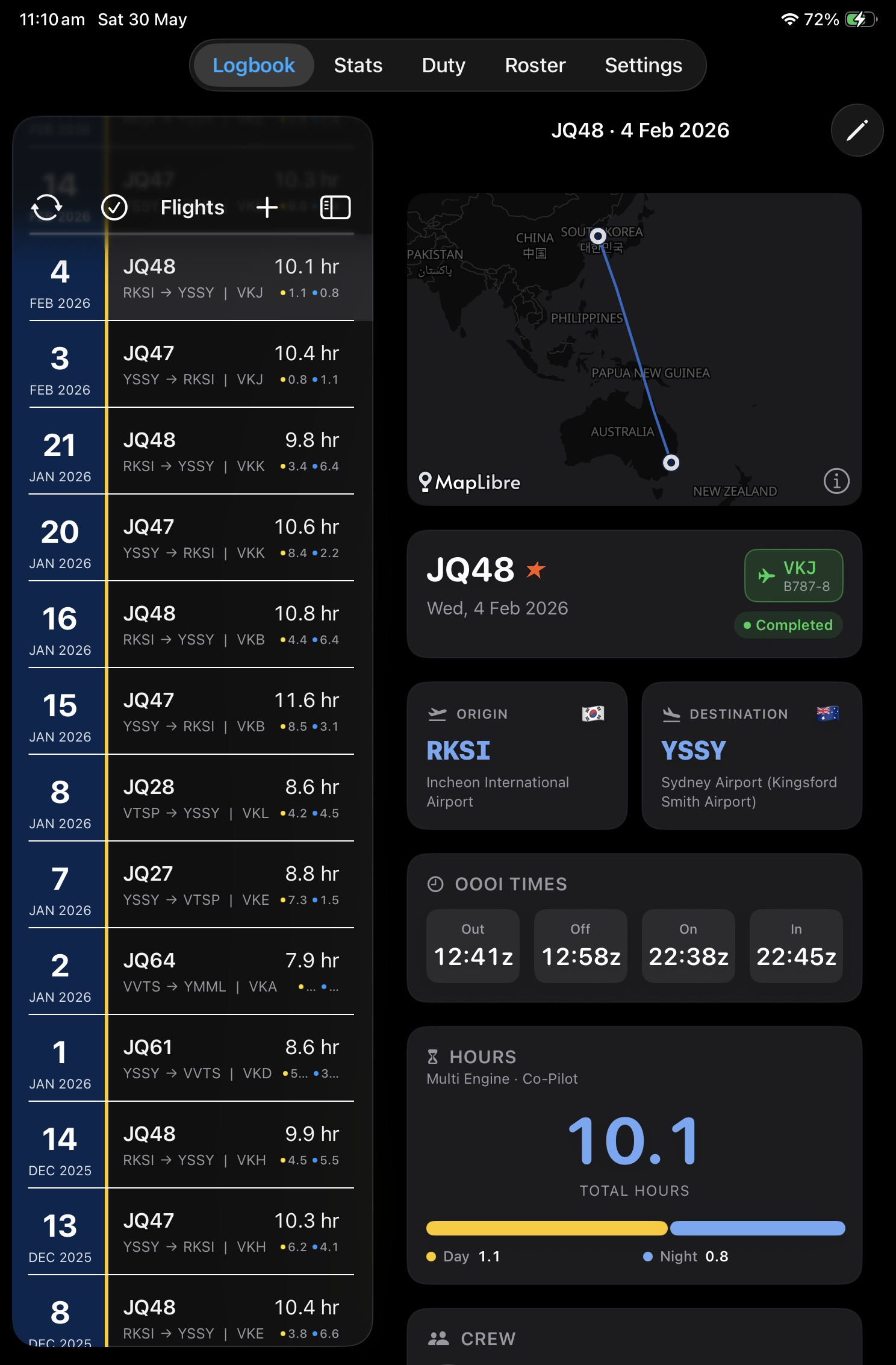
Log flights in moments
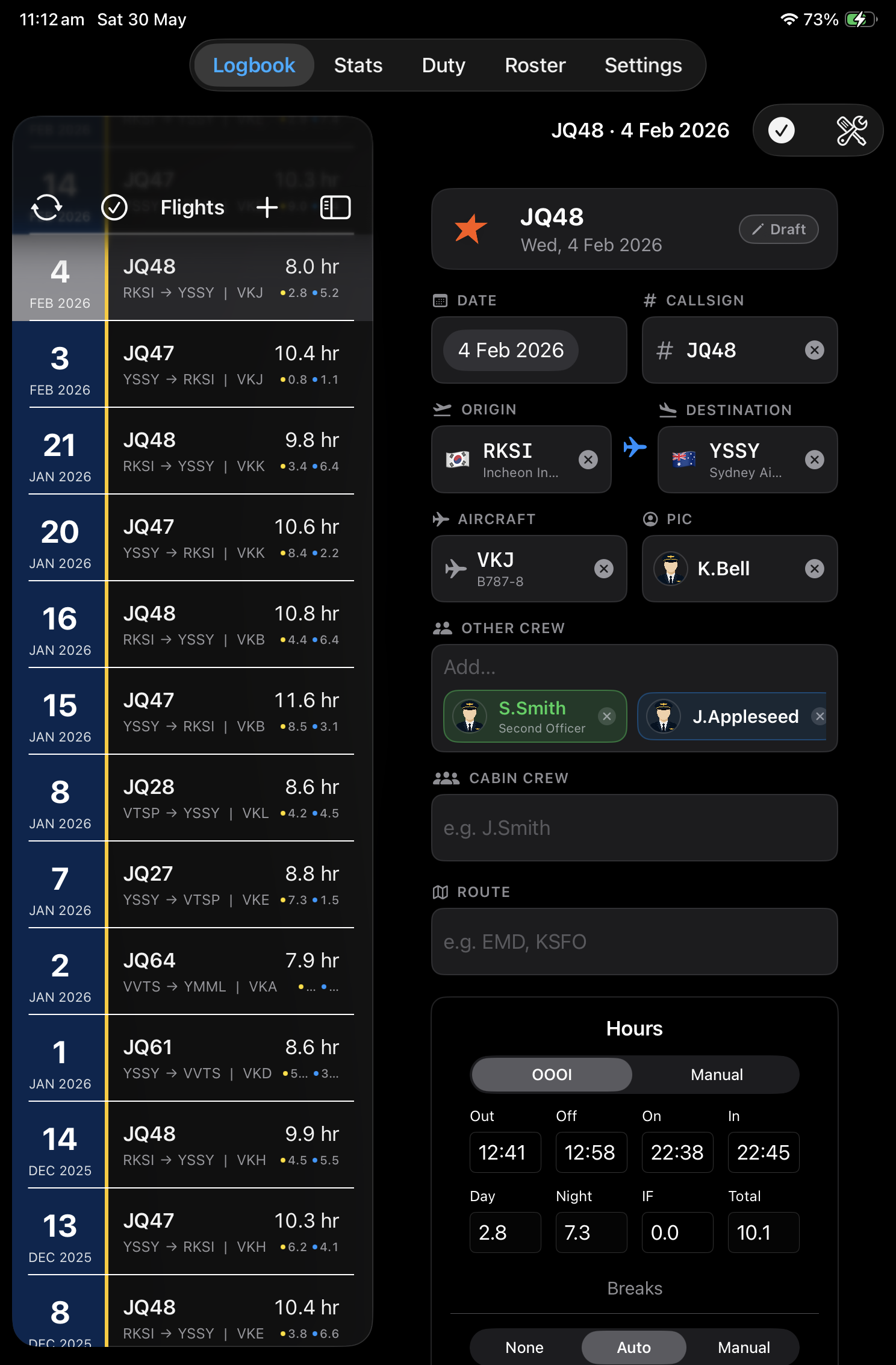
Record sectors with a layout designed for the flight deck — quick entry, sensible defaults, and automatic day and night time calculations so you spend less time tapping and more time flying.
Day / night auto
Smart defaults
Custom columns
Quick sector entry on the flight deck · sensible defaults
02
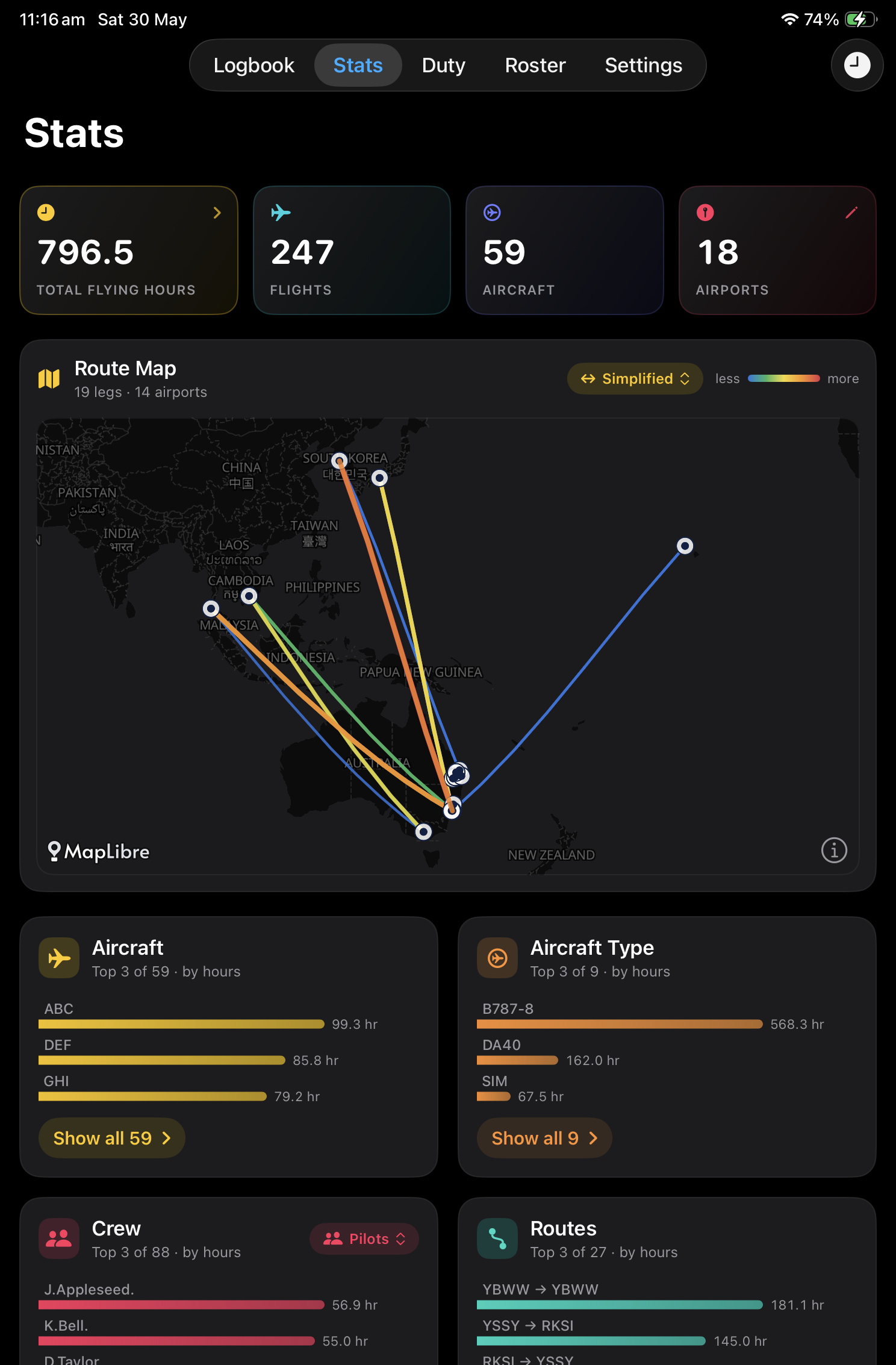
See the full picture
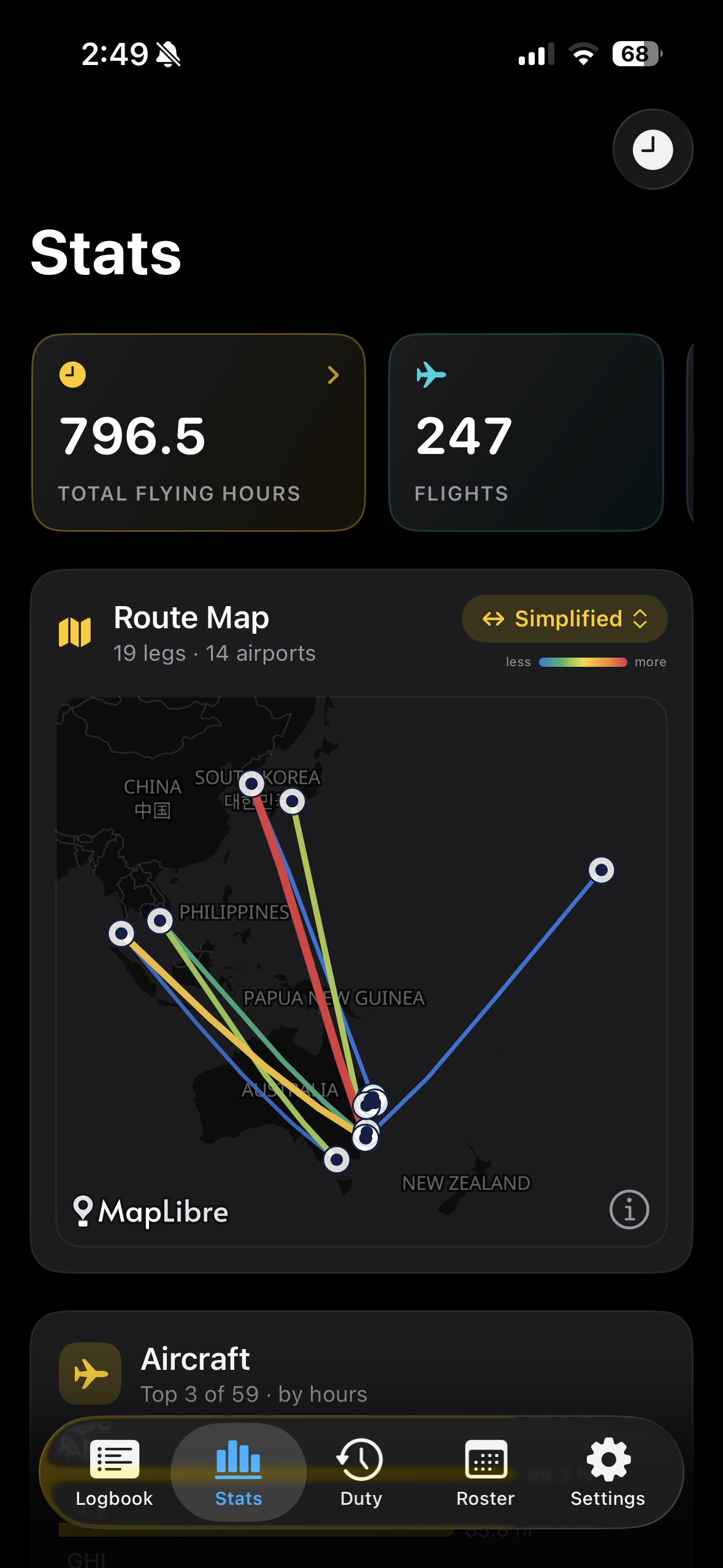
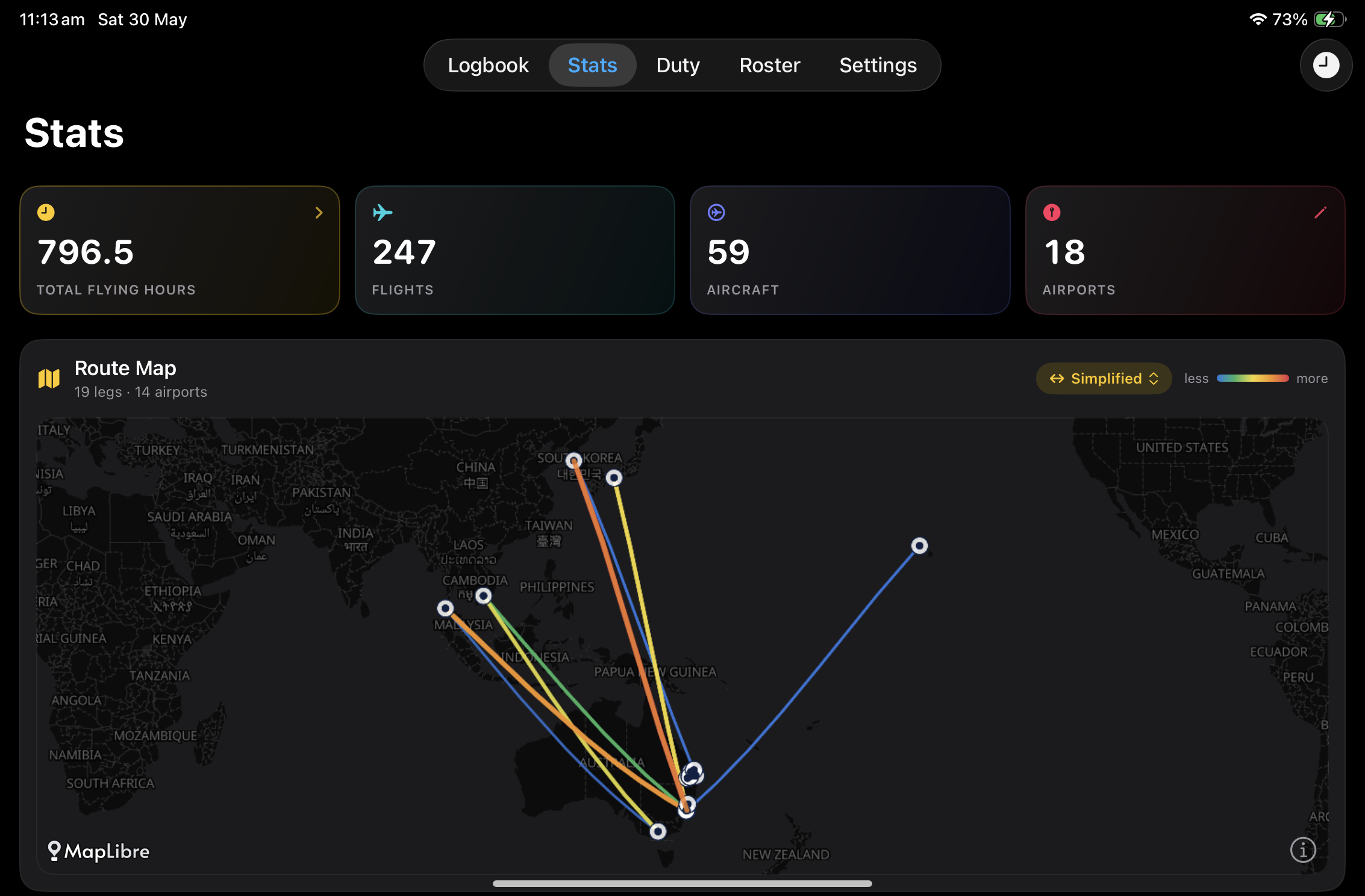
Detailed statistics for hours, sectors, aircraft types, and custom columns. Route maps and multiple chart styles help you visualise where you have been — not just how many hours you have.
Route maps
Chart styles
Career stats
03
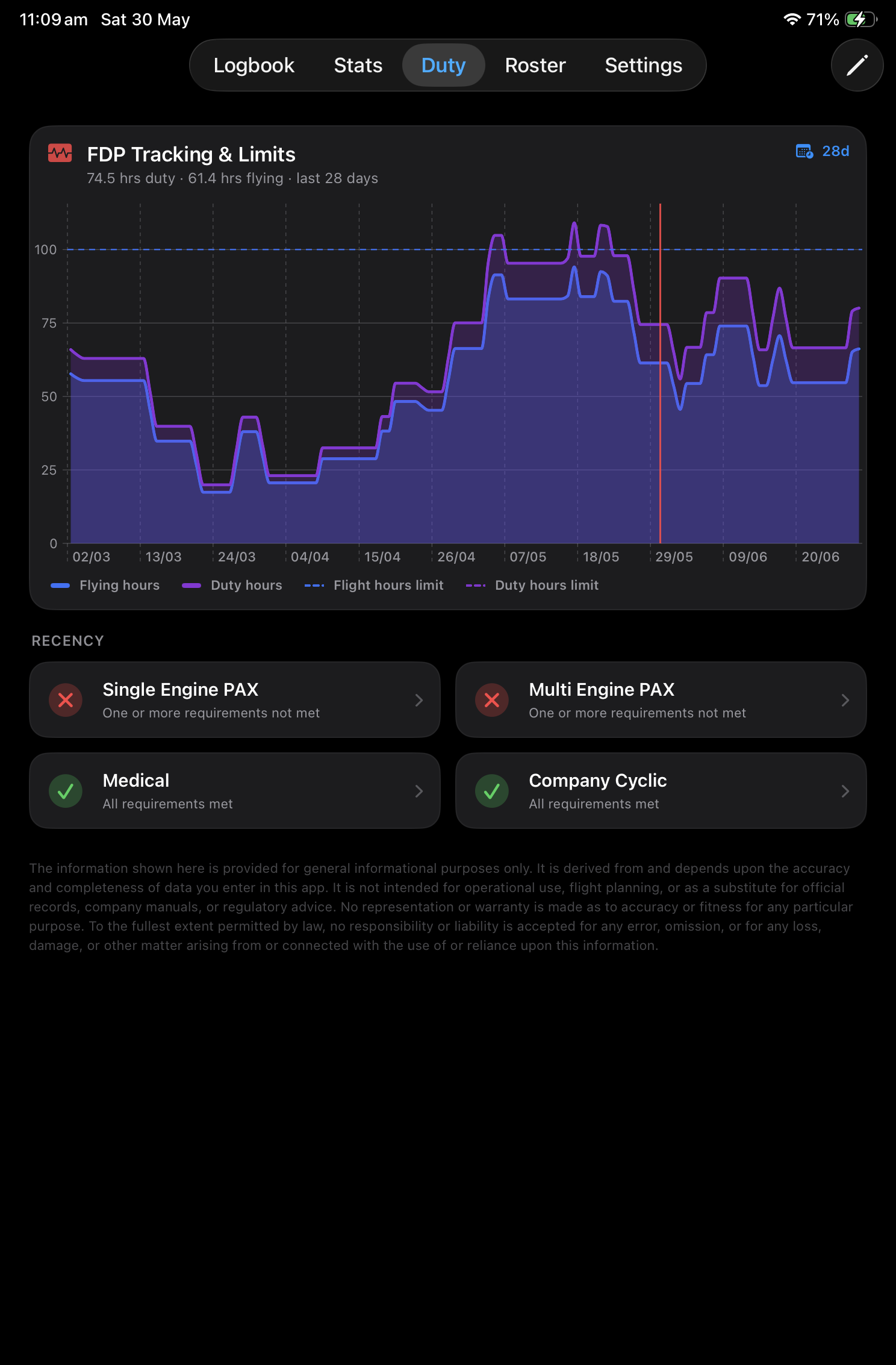
Recency & flight duty period tracking
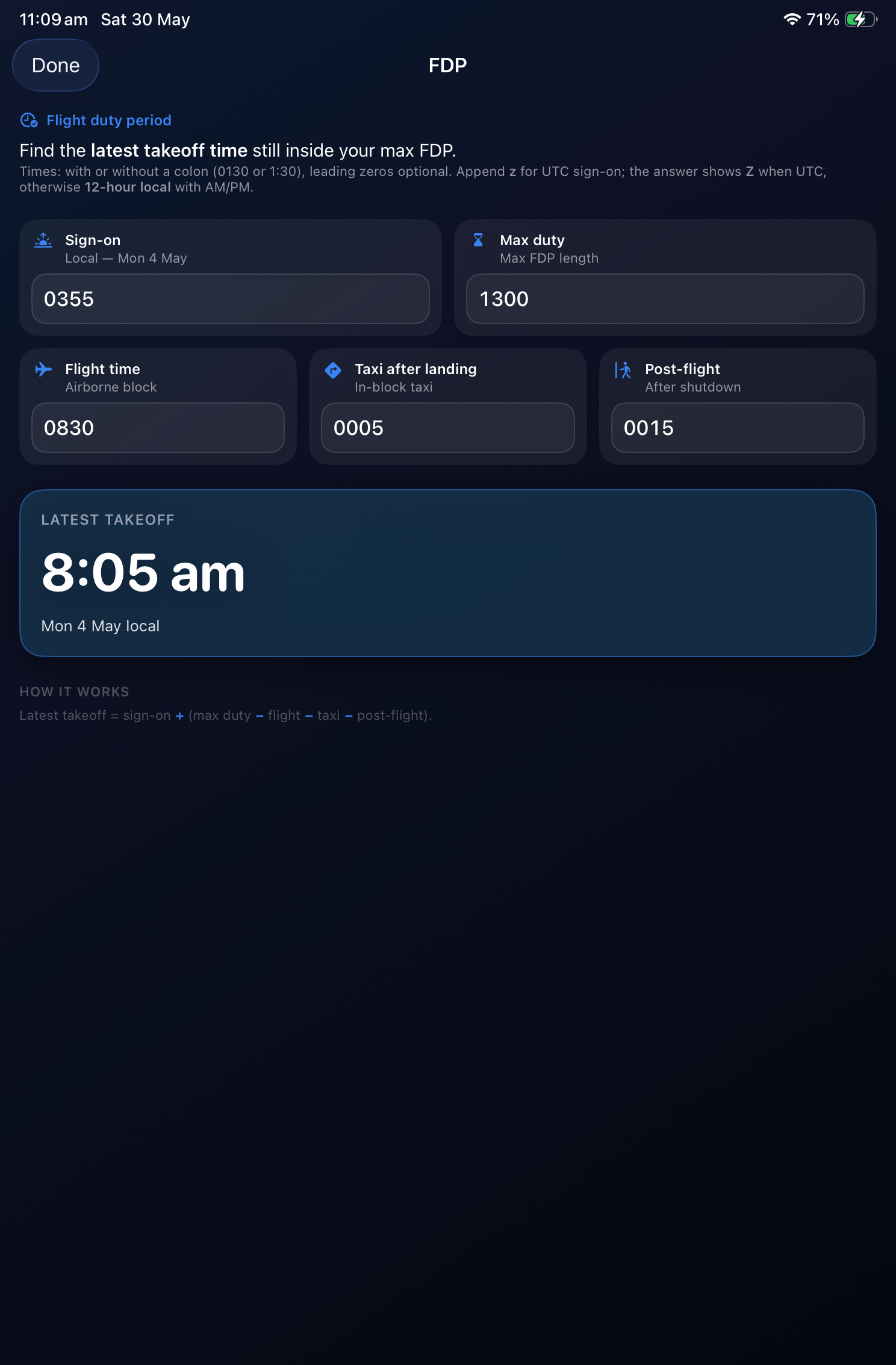
Stay on top of take-offs, landings, instrument time, and approaches against your limits — plus FDP calculators and rest planning for long-haul and multi-sector days.
Duty recency
FDP limits
Rest planning
04
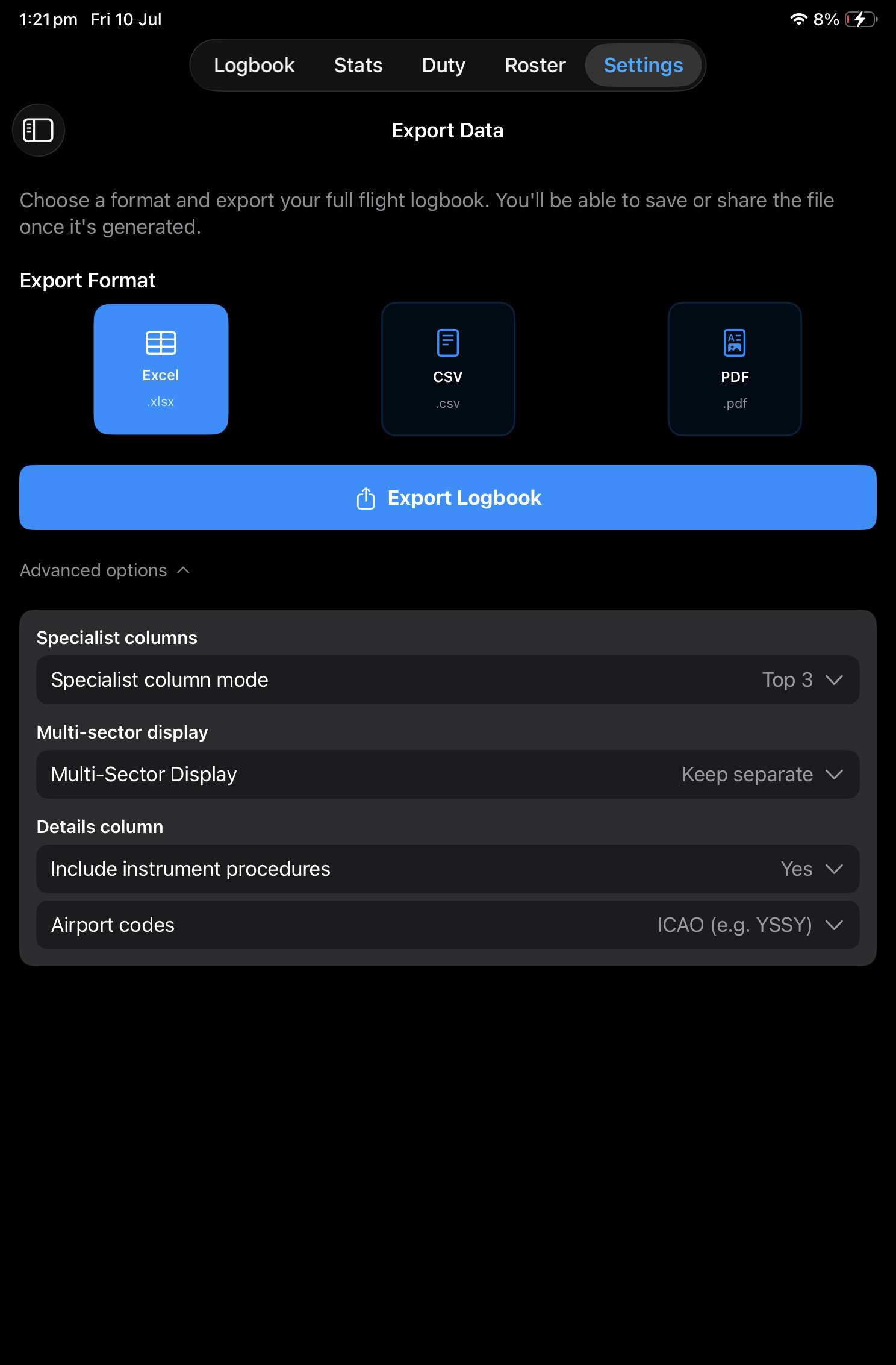
Export your logbook
Send your records to regulators, employers, or your own backup — CSV for spreadsheets, Excel with formatting, and print-ready PDF when you need a paper trail.
CSV
Excel
PDF
05
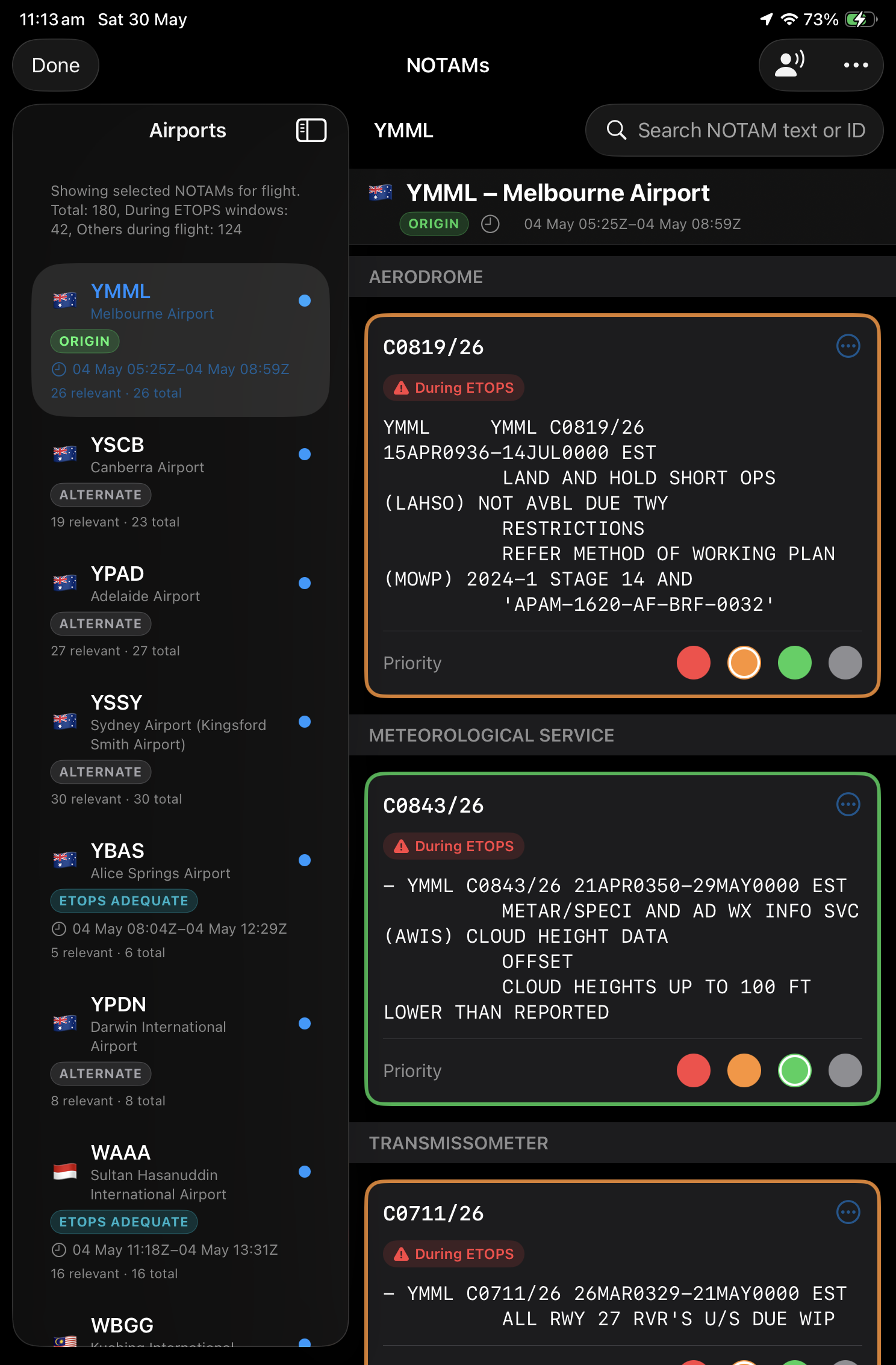
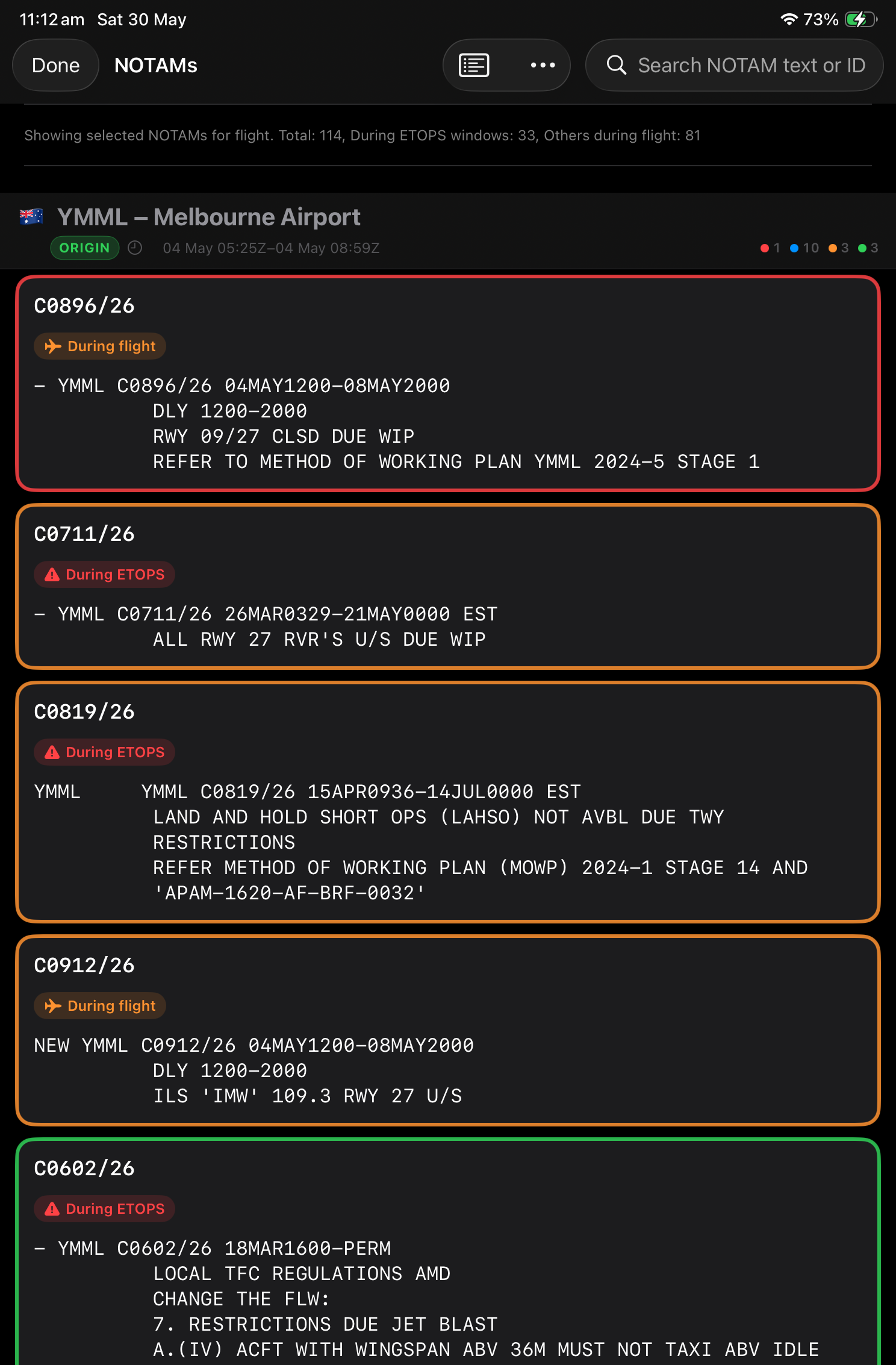
NOTAM briefing & triage Australia only
Paste or import your NAIPS briefing pack — AirBook highlights NOTAMs active during your ETOPS window and flight time. You classify each item yourself; the briefing view then surfaces only what you've marked as relevant.
NAIPS import
Flight-window highlights
Pilot triage
Mark what matters on each NOTAM · highlights for your window
06
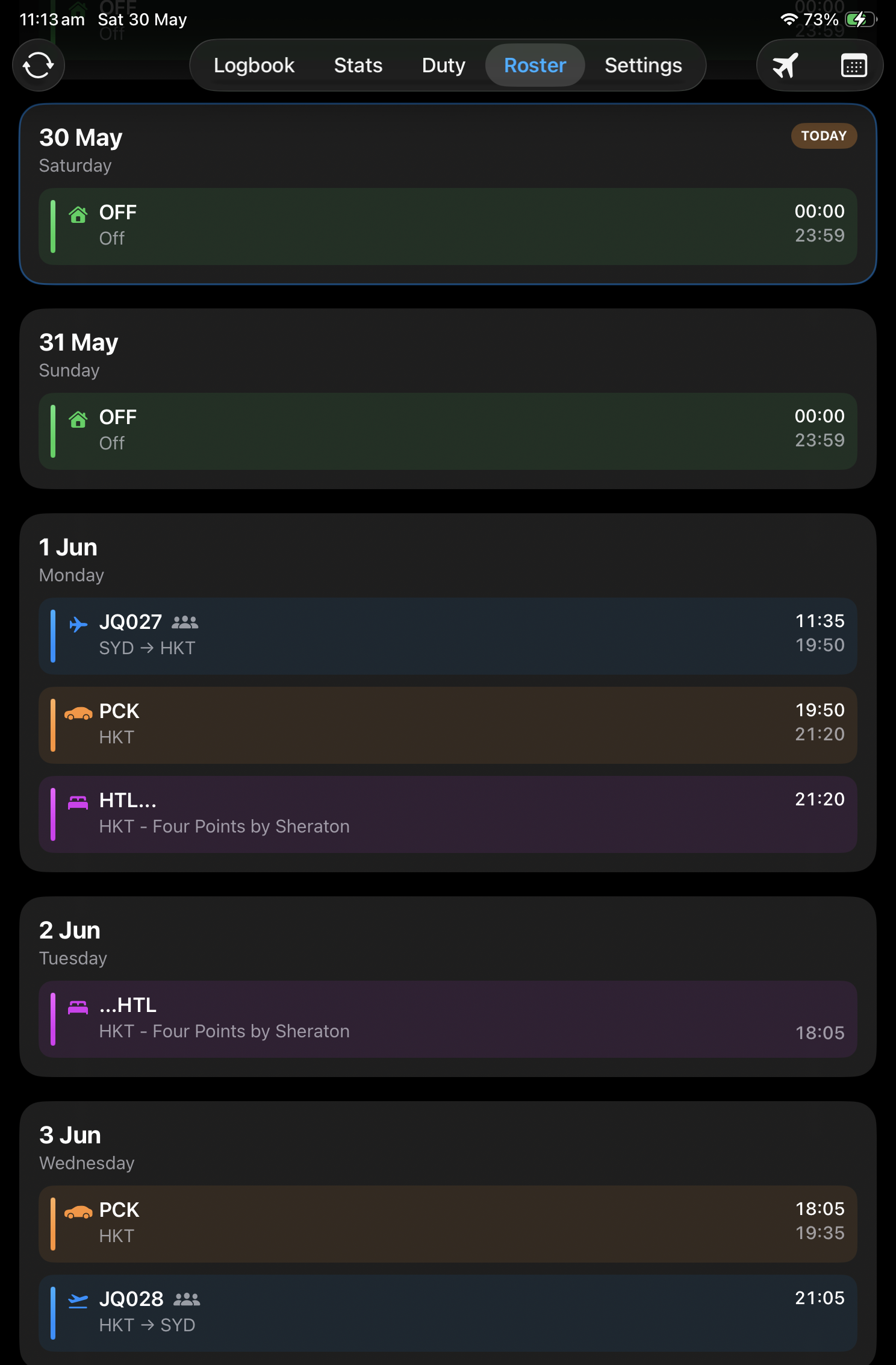
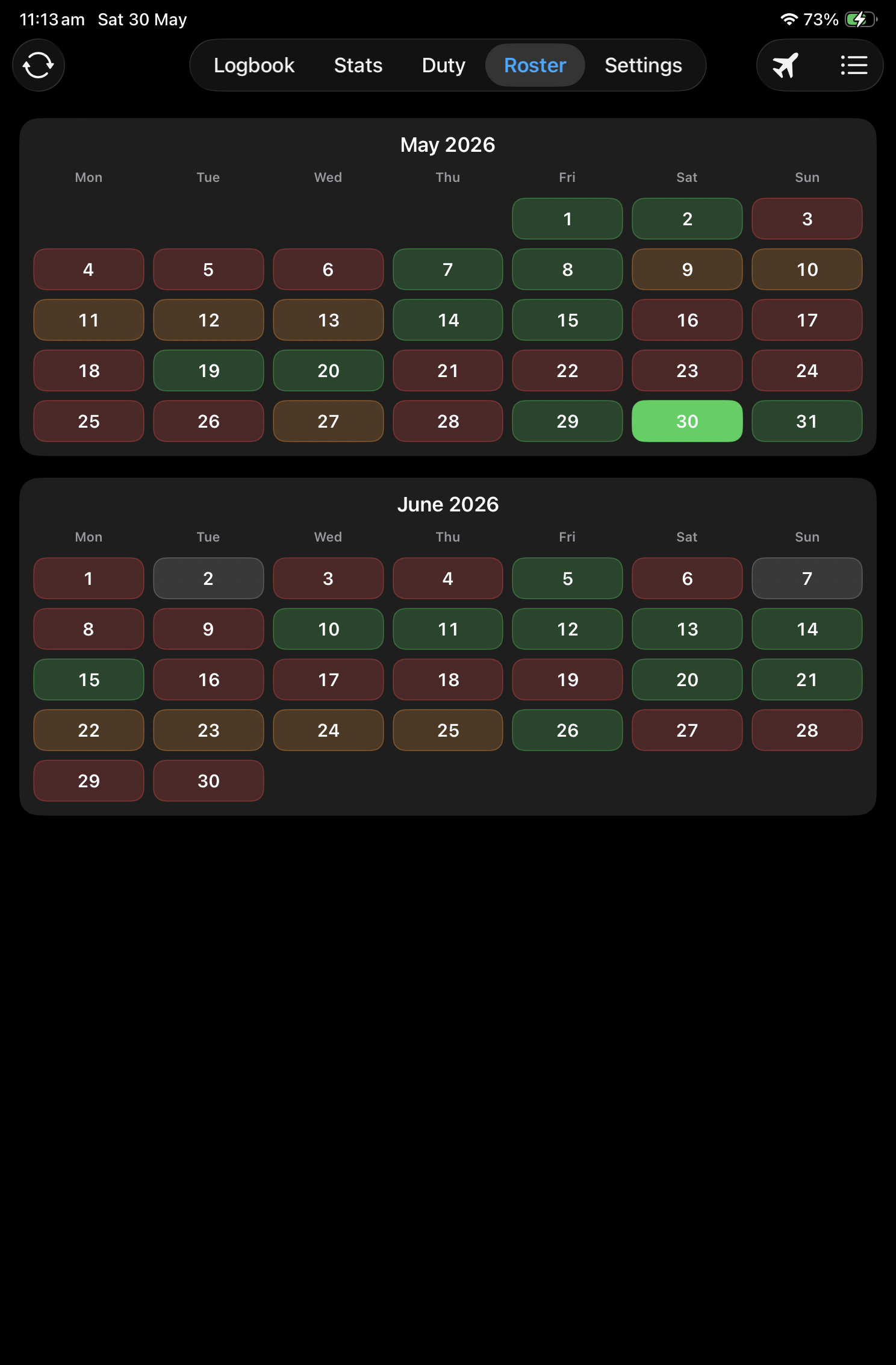
Import roster & flights automatically
Jetstar only
Connect your airline roster on iPhone or iPad to pull duties and sectors straight into your logbook — less typing on busy roster turns, more time for the trip.
Roster sync runs in the iOS app. The web logbook shows flights already synced to iCloud.
Import duties from your airline roster · sectors into logbook
07
Operational tools at your fingertips
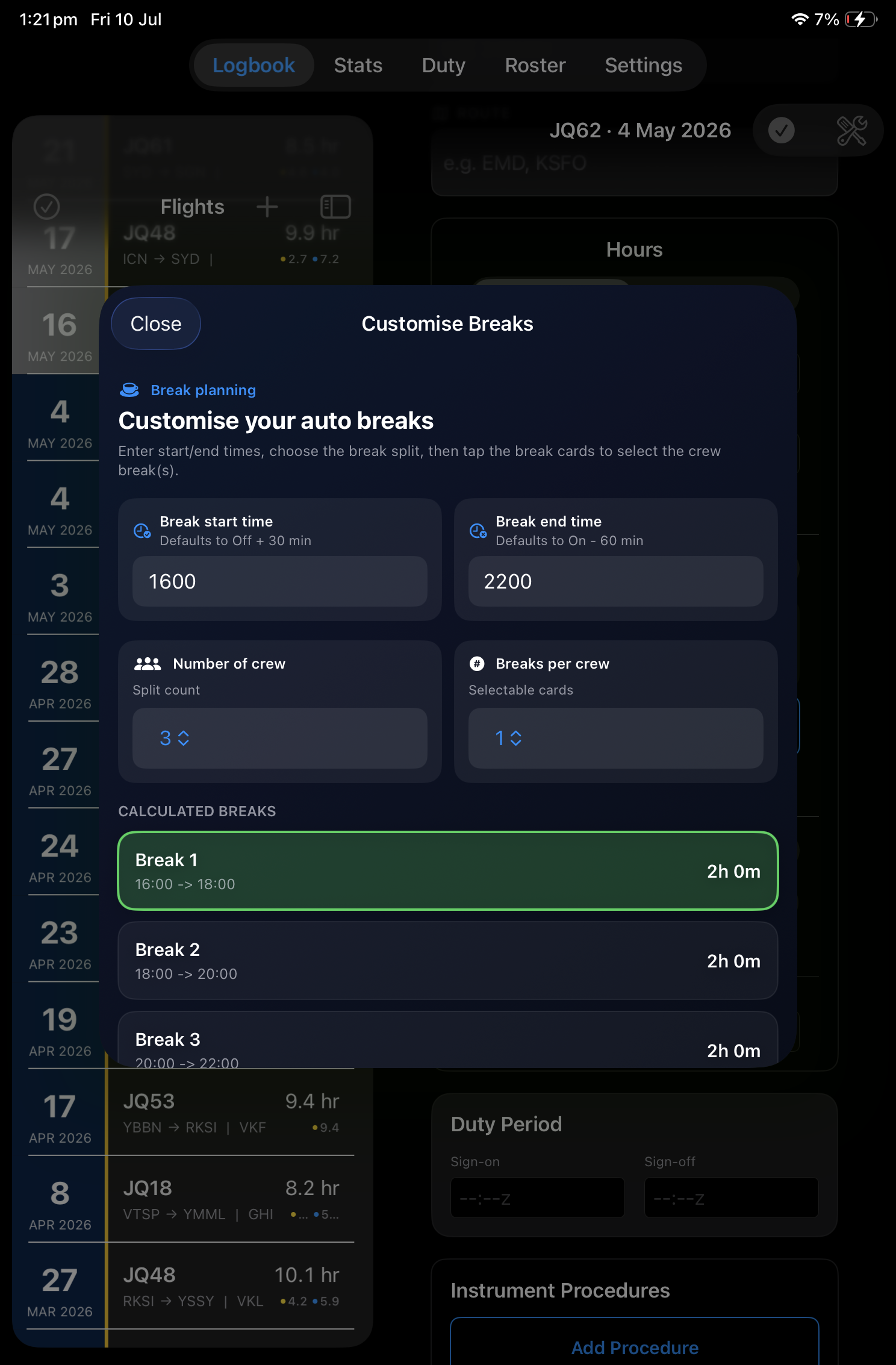
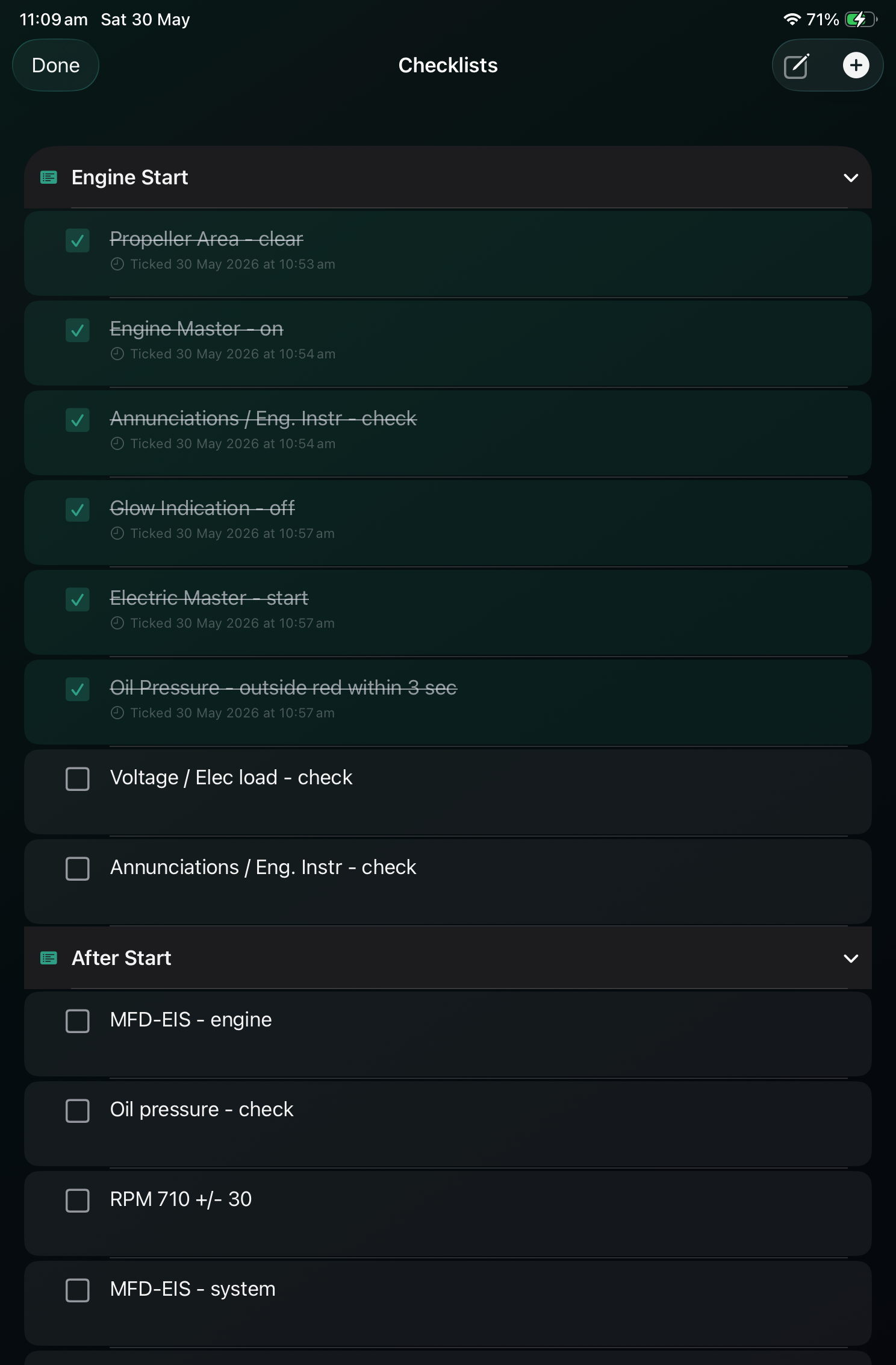
More than a spreadsheet — utilities you reach for before every trip: automatic break calculations, FDP limits, and custom checklists you can run through on the line.
Break time
FDP calculator
Checklists
Automatic break calculations · tailored to long-haul patterns
Toolkit
Operational tools at your fingertips
More than a spreadsheet — utilities you reach for before every trip.
FDP calculator
Flight duty period limits and rest planning for long-haul and multi-sector days.
Checklists
Customisable operational checklists you can run through before line operations.
NOTAM helper
Flags NOTAMs active during your flight window — you triage and classify what matters.
Break time
Automatic break calculations tailored to long-haul roster patterns.
Import & export
Bring in existing Excel logbooks; export to Excel, CSV, and print-ready PDF.
Duty recency
Track take-offs, landings, instrument time, and approaches against your limits.
Pricing
Start free, fly unlimited later
Your first 50 hours are on us. Every feature, no trial countdown — upgrade only when your logbook outgrows the free tier.

 Jetstar only